
If your Hacoo link isn’t working, shows an unavailable message or no longer opens the product you were looking for, the listing may have sold out, been replaced or become unavailable in your country.
This is fairly common with product links because listings can change quickly. It doesn’t always mean the product itself has disappeared — the same or a similar item may still be available through a newer listing.
Below we’ll explain why Hacoo links stop working, what the common error messages mean, and how to find an updated Hacoo link.
If you’re trying to locate a product again, see our guide to finding products on Hacoo.
1. Why Do Hacoo Links Stop Working?
There are several reasons why a product link might stop working.
A popular item may sell out, a seller may remove or replace a listing, or the product may no longer be available in your location.
This happens particularly quickly with trending products, where availability can change from one day to the next.
An unavailable link doesn’t necessarily mean the product has disappeared completely. The same or a very similar product may already be available through a newer listing.
If you’re struggling to locate an item again, our guide to finding products on Hacoo explains several ways to find products and browse available finds.
2. Hacoo Link Says “This Post Is Unavailable Based on Your App Settings”
Sometimes the product still exists, but it isn’t available to you based on your location or app settings.
For example, when opening some Hacoo links you may see a message such as:
“This post is unavailable based on your app settings.”
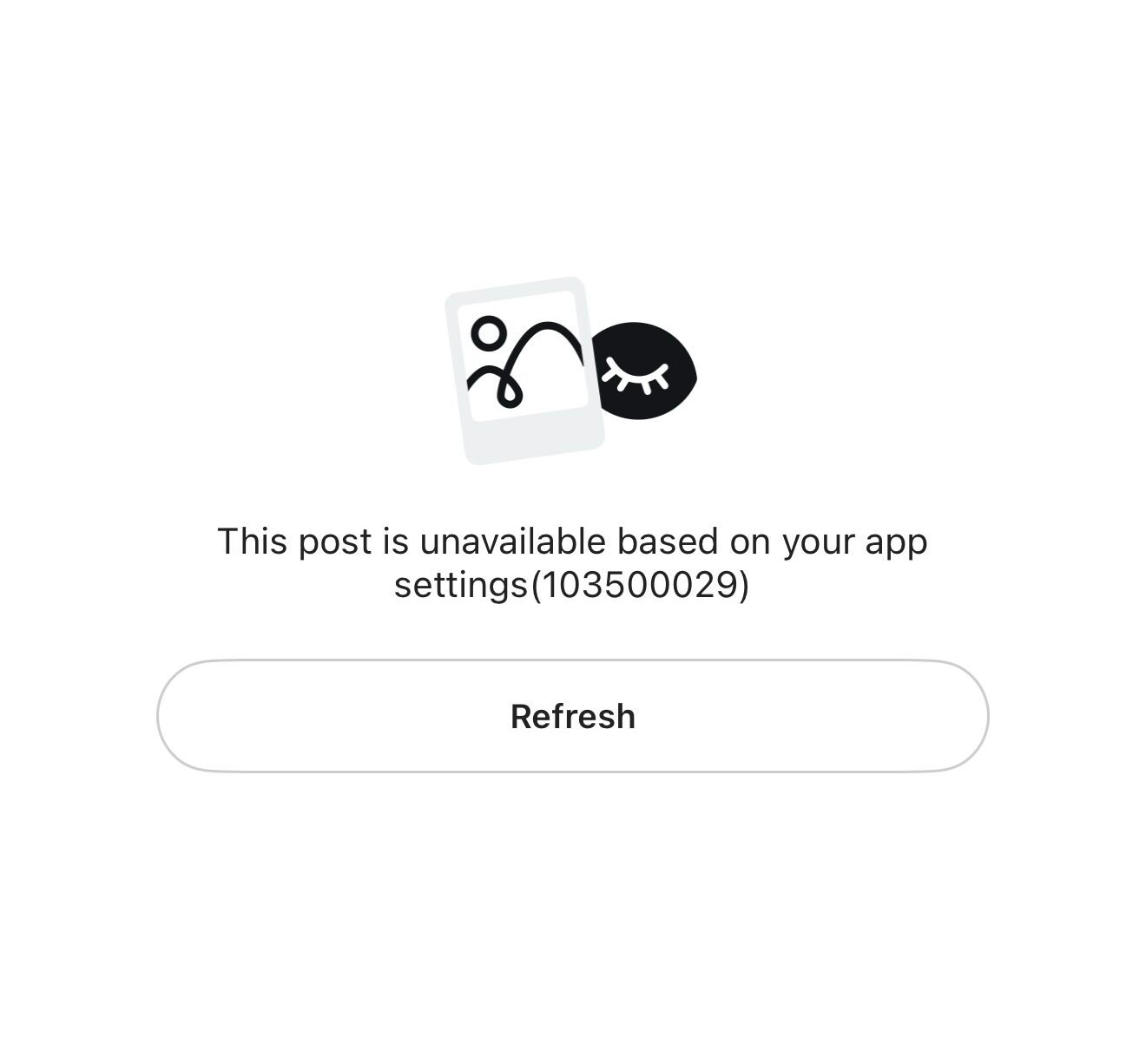
Example of an unavailable product message that may appear when opening a Hacoo link.
This message doesn’t necessarily mean the product has been removed. In some cases, the listing may not be available based on your app settings, location or current product availability.
So if someone else can open a product link but you can’t, it doesn’t necessarily mean there is something wrong with the link.
3. Sometimes the Original Listing Has Disappeared
In other cases, the original product listing may have been removed, replaced or may simply no longer be available.
You may also occasionally encounter a product page that fails to load. This can happen across different shopping platforms, including Hacoo and YepExpress.
Product pages can occasionally become unavailable or fail to load as listings change.
A loading error doesn’t always mean that a product has permanently disappeared — it could also be a temporary app or connection issue. However, if a link repeatedly stops working, it’s worth checking for a newer listing.
This is why we regularly update the products we find rather than relying on the same links indefinitely.
4. What to Do When a Hacoo Link Doesn’t Work
If one of the links you’ve saved no longer works, don’t give up on the product immediately.
Try checking whether:
- the product is available through another listing;
- a similar product has been added recently;
- the item is available in your country; or
- there is a newer link for the same find.
And this is where BEST FINDS can save you some searching.
🔥 LINK NOT WORKING?
Check our latest finds.
We regularly search for new products and updated listings, so you don’t have to spend hours trying to find them again.
💡 Hacoo link tip: If the Hacoo app isn’t already open, you may need to tap the product link twice. The first tap opens Hacoo, then return and tap the link again to open the product.
5. How to Fix a Hacoo Link That Isn’t Working
If a Hacoo link isn’t opening or shows an unavailable message, there are a few things worth checking before assuming the product has disappeared.
Try these steps:
- Open the Hacoo app first, then return to the product link and tap it again.
- Check whether the product is available in your country. Some listings may only appear in certain locations.
- Try the link again later. A loading error can sometimes be temporary.
- Look for an updated listing. If the original product has been removed, the same or a similar item may have been listed again.
- Check our latest Hacoo finds. We regularly add newly discovered products and updated links.
If the link still doesn’t work after these steps, the original listing may no longer be available.
6. Product Links Can Change Quickly
One thing worth remembering when saving product links is that online listings aren’t permanent.
Trending products can disappear particularly quickly as stock, sellers and availability change. A link you save today therefore may not necessarily still be available several weeks later.
At BEST FINDS, we regularly search for trending products, interesting finds and updated listings so you can spend less time searching.
So if an older link no longer works, the best place to start is with our latest finds
Looking for the latest Hacoo finds?
We regularly add new products and links as we find them.
🔥 Get Our Newest Finds
Want to see new finds as we discover them?
We regularly share new product finds and links through our Telegram groups and WhatsApp channel.